Disclosure: This article contains affiliate links. If you buy through them, we may earn a commission at no extra cost to you. Learn more.
The desk is where work actually happens, and most people tolerate it instead of setting it up well. Two upgrades - a keyboard that feels good to type on and a monitor that does not make your eyes squint - have an outsized effect on how a workday feels.
Here is where the money is well spent, and where it is just aesthetic.
The keyboard
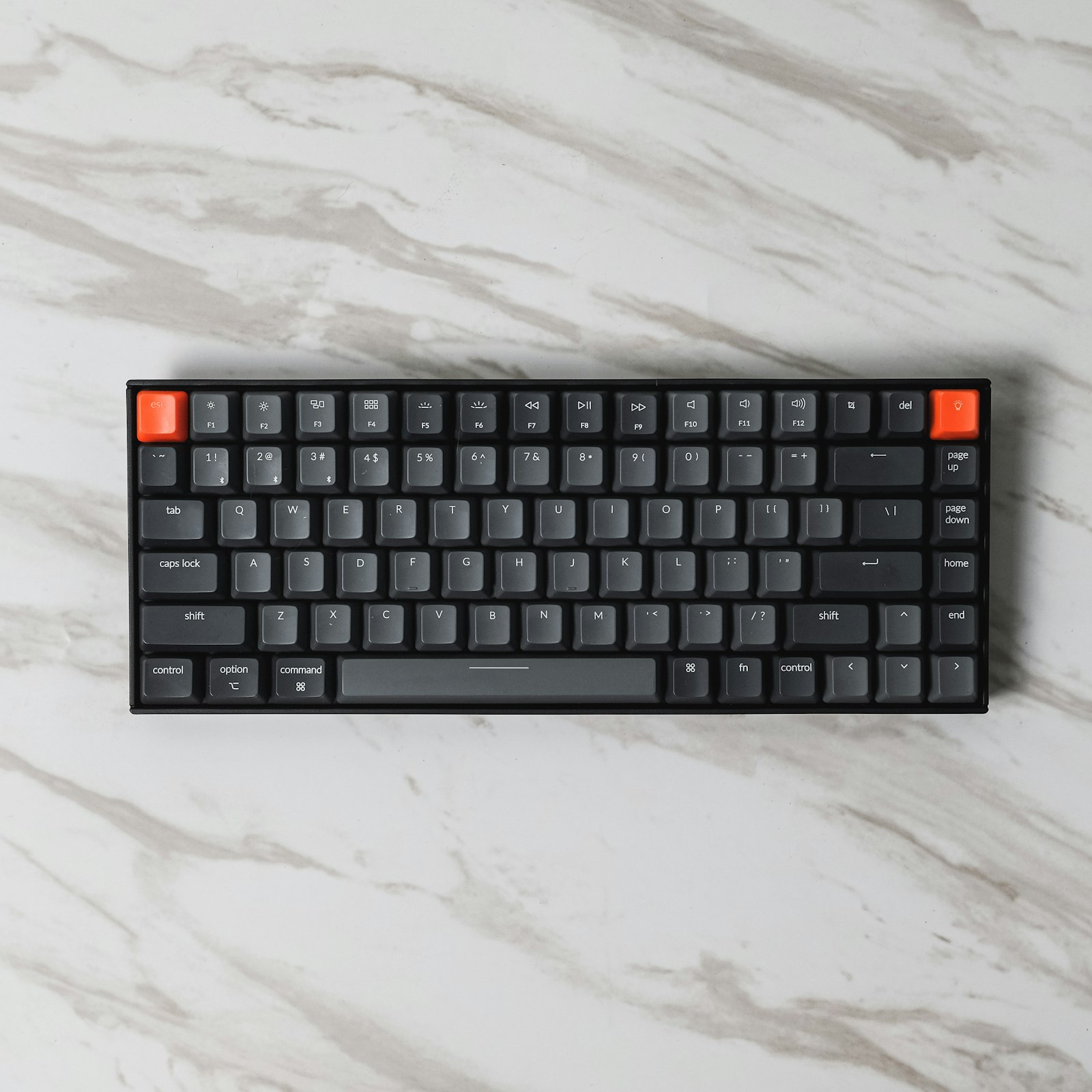
Mechanical Keyboard
Best for desksBest for: A tactile, comfortable typing upgrade
- Hot-swappable switches
- Works wired and wireless
- Solid build for the price
- Can be loud
- Slight learning curve from laptop keys
A mechanical keyboard is the single best desk upgrade for anyone who types for a living. The tactile feedback reduces fatigue, and a hot-swappable board lets you change the feel later without buying a whole new keyboard.
The monitor
27-Inch 4K Monitor
Best for workBest for: Sharp text and color for spreadsheets and editing
- Excellent color accuracy out of the box
- Adjustable stand
- USB-C connectivity
- 60Hz is not for gaming
- Speakers are weak
A sharp 4K monitor with good color is worth it for spreadsheets, documents, and any visual work. The real quality-of-life upgrade is the adjustable stand - being able to get the screen to the right height saves your neck more than the extra pixels do.
The small things that complete the desk
- A laptop stand to bring the screen to eye level
- A single charging cable run to reduce clutter
- A webcam if your laptop sits closed on a stand
What not to overpay for
You do not need a gaming monitor for office work, and you do not need artisan keycaps on day one. Spend on the core - keyboard, monitor, stand - and skip the RGB.
Frequently Asked Questions
Are mechanical keyboards loud?
Some switch types are loud and clicky, others are quiet. If you share a room, look for silent or tactile switches rather than clicky ones.
4K or two monitors?
For most office work, one good 4K monitor is cleaner and often more useful than two smaller screens. Two monitors shine when you need a full-time reference window open.
Do I need a USB-C monitor?
If your laptop charges over USB-C, a USB-C monitor lets you connect display, power, and peripherals with one cable - a real clutter win.